01
FIREWALLA stronger front door
Hardened firewall rules help block unsolicited incoming connections before they reach your network.
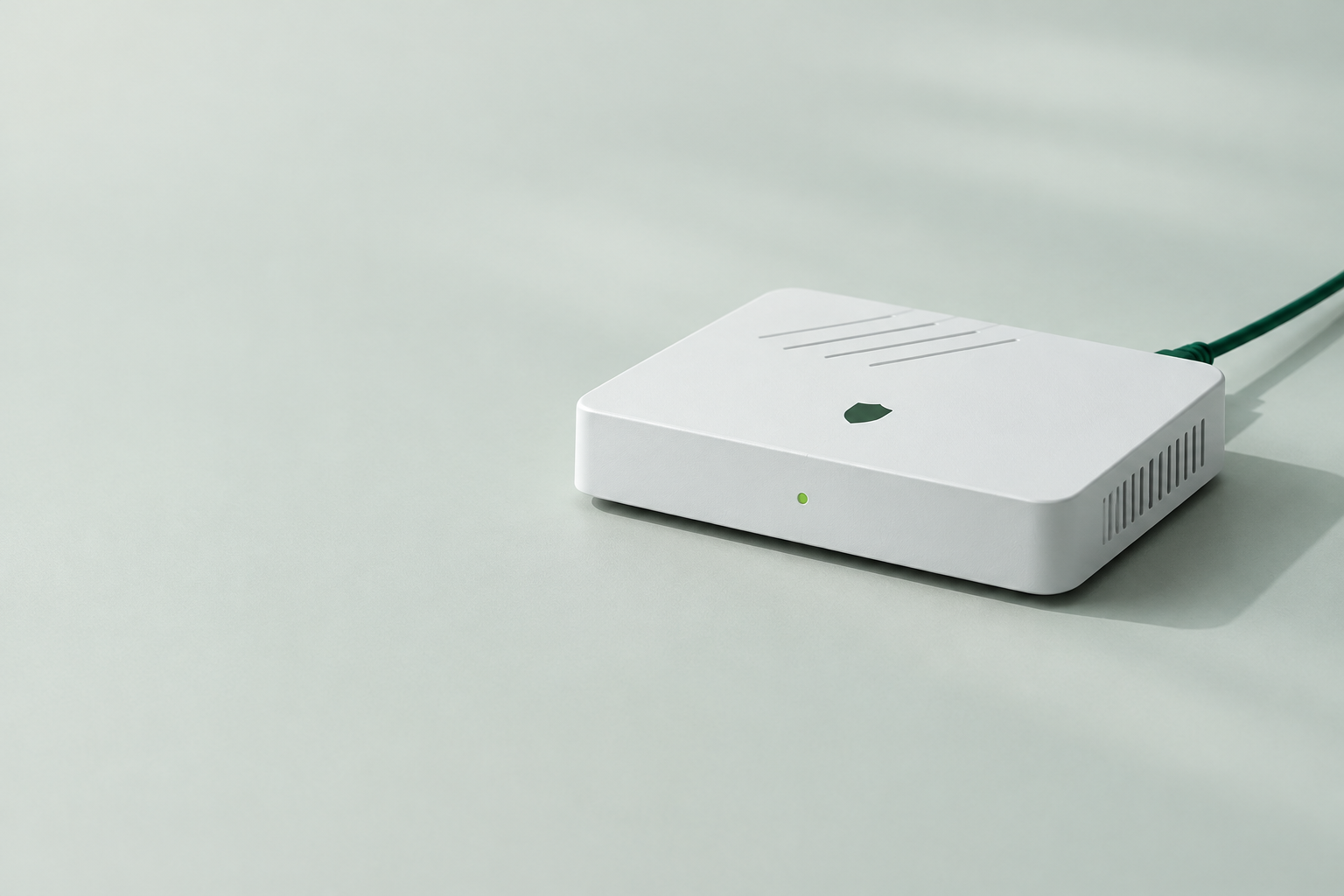
One small box between the internet and your world.
Thoughtfully configured protection for your family,
your business, and everything connected.
Your ISP connects you to the internet.
We’re building a more deliberate boundary between
what belongs on your network—and what doesn’t.
Hardened firewall rules help block unsolicited incoming connections before they reach your network.
Optional domain-based filtering helps keep known adult and harmful sites off the family network.
Encrypted DNS queries and a selected filtering resolver help reduce exposure to known malicious domains.
Choose which known AI services are reachable on your network. Set boundaries—not promises about what AI does.
Separate guest and smart-device networks help keep visitors and connected gadgets away from private devices.
Built on MikroTik RouterOS, with a planned process for tested updates, configuration backups and remote support.
An additional layer of protection, not a guarantee. Features and compatibility are subject to validation before launch.
We do the configuration. You make the connection.
A straightforward setup, with compatibility checked
before your box ships.
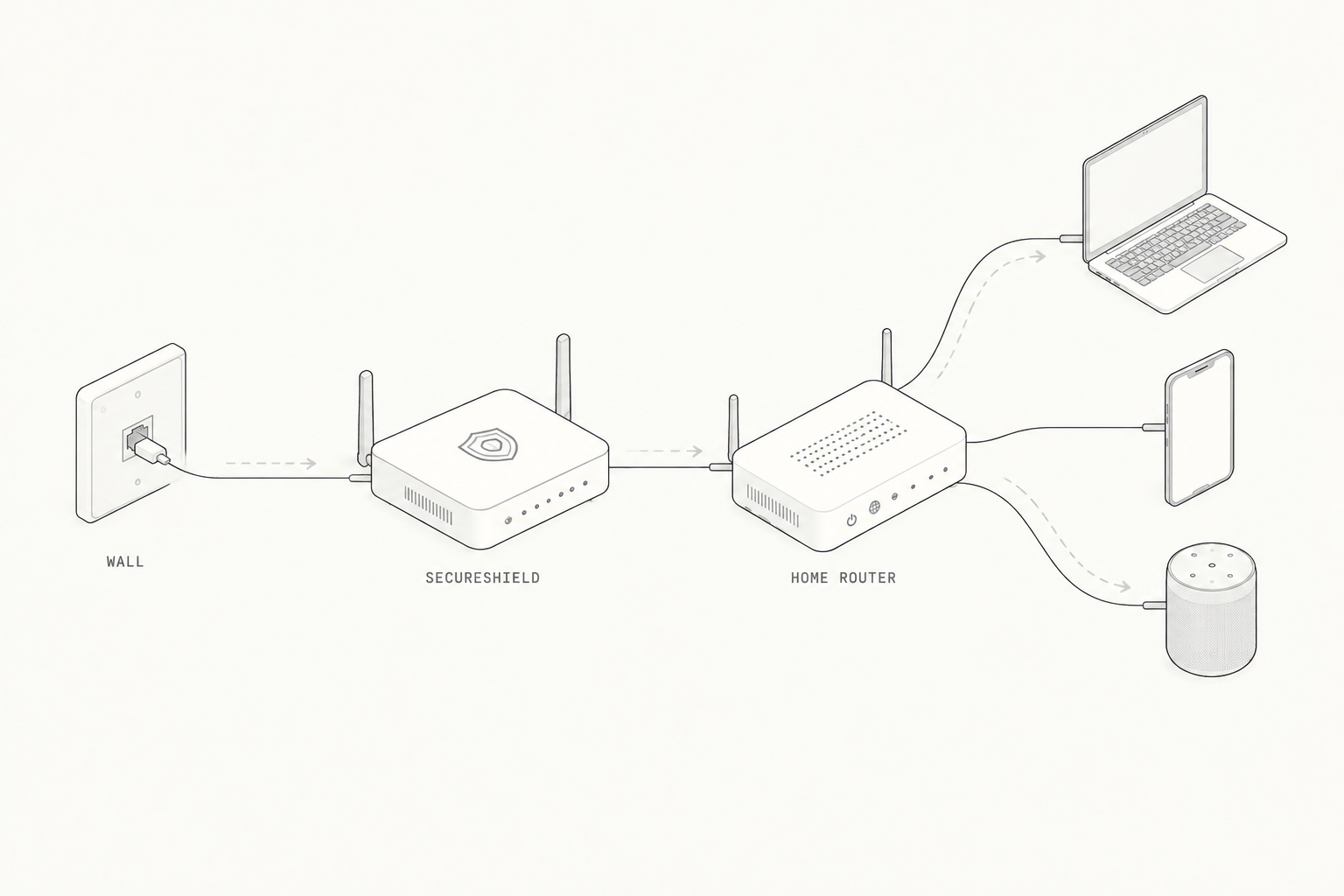
Optional: SecureShield has its own dual-band Wi-Fi, so it can replace your home router’s Wi-Fi — or the router box altogether. Its wireless sits behind the protection, so it’s likely the more secure choice.
A tested configuration, secure defaults and settings matched to your needs.
Plug the box into the line from the wall, then connect your home router behind it.
Network-level rules work in the background. Support is planned for when you need a hand.
The enclosure is modeled on the MikroTik hAP ac³ form factor:
a flat, fanless desktop box with five Gigabit Ethernet ports,
USB and external dual-band Wi-Fi antennas.
Outline only — a starting point, not final hardware.
One in from your modem, four out to your devices or access point. On the drawing, the internet port is red and the four internal ports are green. No switch required for a typical home.
DC 12–28 V or passive PoE-in, so the box can sit where the cable reaches rather than where the socket is. One port can also power a compatible device, such as an access point.
Two external high-gain antennas on RP-SMA connectors and dual-band Wi-Fi (2.4 and 5 GHz) come with the board. That wireless sits behind the protection, so it can replace an ISP router’s Wi-Fi instead of adding another box.
Form factor reference only. Independent concept — not affiliated with or endorsed by MikroTik. Final enclosure, ports and dimensions are still to be decided.
Remote support should mean looking after your router.
Not looking over your shoulder.
No browsing-history collection or HTTPS interception is planned as part of the service.
Private management access, limited permissions and auditable support are design requirements—not yet verified features.
The final policy will explain support metadata, DNS providers and retention. No vague “zero data” promises.
Three editions. One considered approach.
Prices include VAT and EU delivery.
For everything under your roof.
Small team. Stronger boundaries.
For the curious. And the hands-on.
No magic boxes.
No fine-print security promises.
The design is intended to connect behind an existing modem or ISP router over Ethernet. It is not a replacement for an optical terminal or DSL modem. PPPoE, VLANs, IPv6, ISP television and double NAT need a compatibility check before purchase—so we won’t promise it works with every connection.
Not necessarily. The appliance’s own dual-band Wi-Fi (2.4 and 5 GHz, with external antennas) can carry your wireless network, and it sits behind the protection—so it can replace an ISP router’s Wi-Fi rather than adding another box. An existing Wi-Fi router may also be usable in access-point mode behind the appliance. Either way, devices must use the protected network for its rules to apply. Final Wi-Fi and hardware options will be confirmed after testing.
The proposed service does not include routine packet capture, browsing-history collection or HTTPS interception. Support would use an authenticated management connection. A router administrator can have broad capabilities, so permissions, audit logs, access revocation and a clear privacy policy must be validated before launch. The selected DNS provider may process domain queries under its own policy.
No. Network rules add a useful layer, but cannot stop every threat, inspect all encrypted content or prevent sensitive information being pasted into an allowed AI service. Keep devices updated and retain endpoint protection. VPNs, private DNS and mobile data can bypass domain filtering.
Home is €199.00, Business €258.00 and Lab €317.00, VAT included, with delivery within the EU included.
SecureShield is in development. Hardware, configurations and remote-management controls need real-world testing before a launch date is set. The name is provisional and the product image is a concept, not a photograph of final hardware.
We’re building it. Carefully.
Choose your edition — prices include VAT and EU delivery.